
For retail, restaurants, beauty and services
Sell, get paid and keep your books in order. One system for the till, ordering from a phone, stock, company accounts and a tax invoice for every sale.
Bill companies on a tab
Let customers order and pay from their phone
For restaurants: put every order on a kitchen screen
Record every way a customer pays
From the first order to the final invoice.
See the platformOpen the till, take the order, send the invoice.
Staff or customers place the order, it reaches whoever prepares it, customers pay however they like, and each sale ends with an original tax invoice. The same flow runs a shop, a salon, a service business or a restaurant.
How payments work
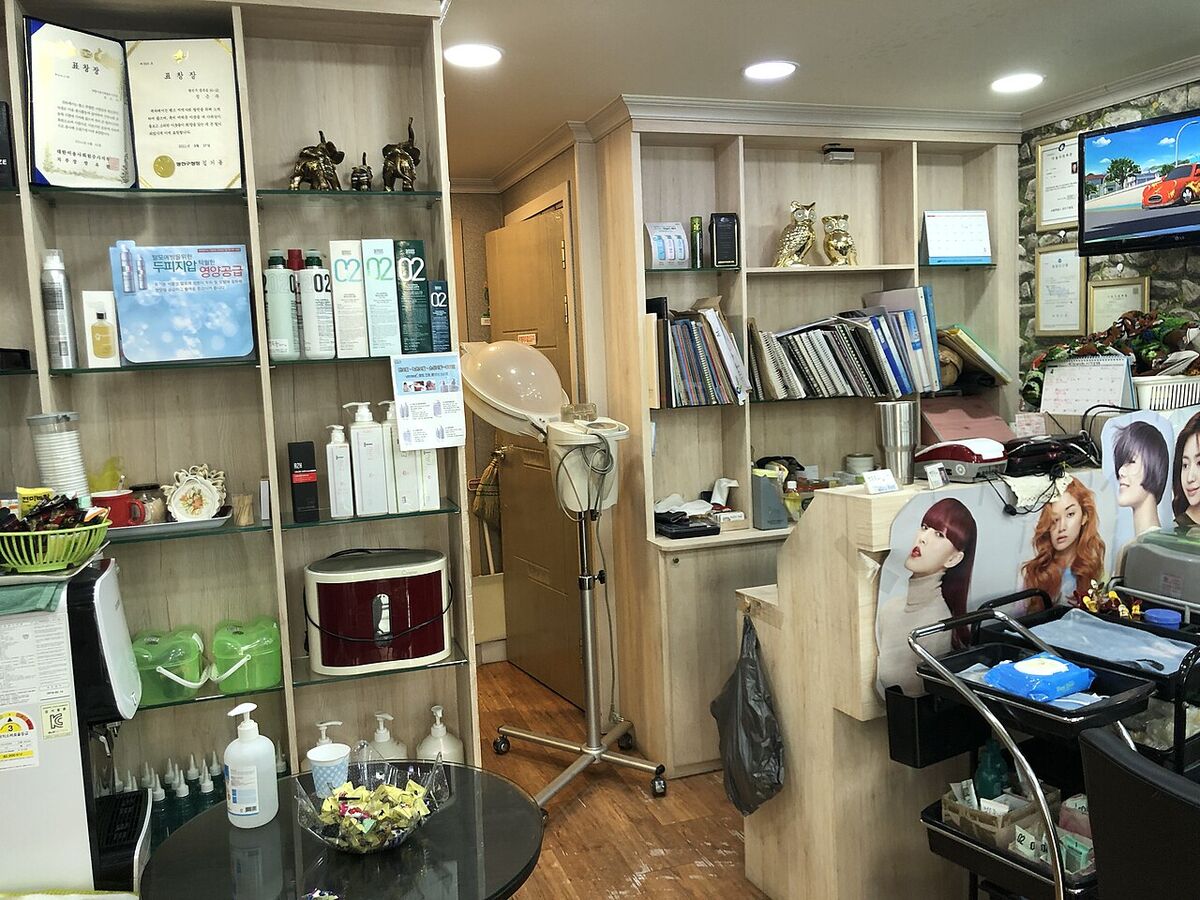


Every order, payment and invoice in one place
5
ways to take payment
Cash, card, mobile money, QR code and a company tab.
- ways to take payment
4
mobile money providers
With the payer's name, ID and number on record.
- mobile money providers
6
team roles
From owner to cashier, with server and kitchen roles for restaurants, each seeing only their job.
- team roles
From a single counter to several outlets. Add what you sell and the people who work for you, and take your first order the same day.
Give each person the access their job needs
Create your accountInvite people by email, a QR code or a till code, assign a role, and remove access the moment someone leaves. Tellers and waiters sign in at the till with a staff ID and code, so they do not need an email address.
Owner
Everything, including settings, integrations and email.
Manager
Products or services, stock, reports, company accounts and the team.
Supervisor
Runs the day: sales, payments and voids, plus stock counts.
Cashier
Takes orders and payments, and sees orders and company accounts.
Sales assistant
Makes sales at the point of sale and asks for the bill.
Server and kitchen
For restaurants and cafes: servers take orders at the table and see ready alerts, and the kitchen sees tickets and switches items on and off.
Reinfluence for retail. Sell products at the till, count stock, send supplier orders and give every customer a tax invoice.
Learn moreReinfluence for beauty. Take payment for treatments and products, keep a record for each client and run tabs for regulars.
Learn moreReinfluence for services. Invoice companies with credit limits and payment terms, and see what each one owes and how overdue it is.
Learn moreOne system for any business that sells
Get startedThe same till, stock, accounts and tax invoices work for any business that serves walk-in customers or bills regular clients.
Customers order. You get paid.
A code on every table, counter, sign and flyer.
Customers scan, choose from your menu or catalogue with photos and pay from their phone. A restaurant sees the order on its kitchen screen as soon as it is sent.
See QR ordering
Start selling with Reinfluence
Create your account, add what you sell and take your first payment today.